
Every tool on this list will read a contract and flag what looks risky. That part is no longer rare. What separates them is where the work happens, whose standard gets applied, and what you are left holding when the review is done.
So before the list, here are the four questions that sort a shortlist faster than any feature grid.
Four questions that sort the field
Where does your team actually work? If your reviewers live in Microsoft Word, a tool that only runs in a browser means copying files back and forth all day. If half the people touching contracts are in sales or procurement and never open Word, a web workspace matters more.
Whose playbook does it apply? Some tools start you on a library of positions written by the vendor. Others start from your own standard contract and turn it into rules. Either can work, but you should know which one you are buying, because the playbook decides what gets flagged.
Do you need review, or the whole lifecycle? A contract lifecycle management system (CLM) runs intake, approvals, signature and renewals as one system, and AI review is one part of it. A review tool does the first pass and the redline and is usually much faster to roll out. If you are not ready for a CLM project, do not buy one to get a redline.
What comes out the other end? A list of highlighted clauses is a start. Suggested redline language written into the document as tracked changes, with a plain explanation of why, is what saves the afternoon.
1. goHeather
Full disclosure: this is our product, which is why it sits first.
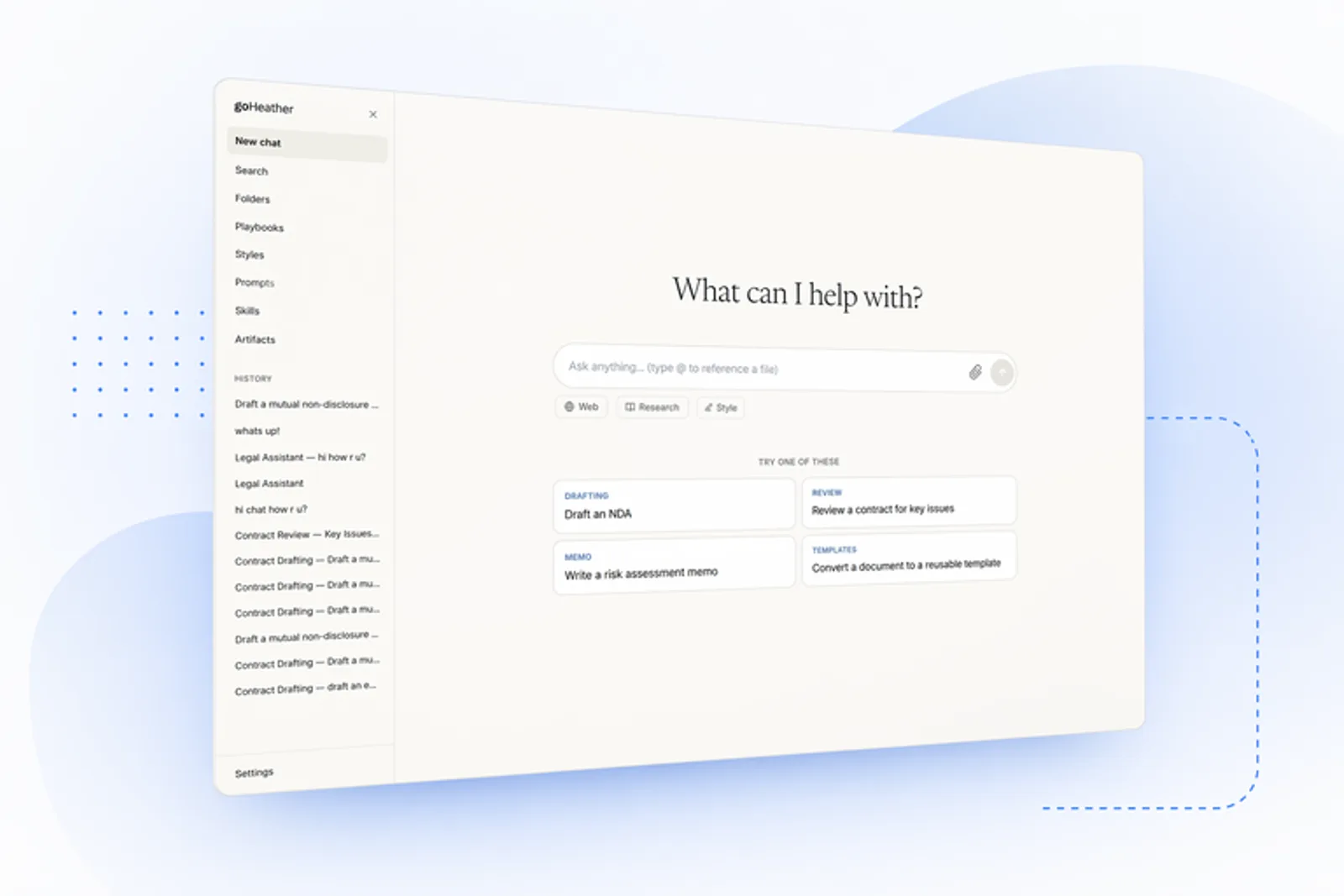
goHeather is a contract AI platform for business teams that handle contracts every day (sales, procurement, finance, operations), the in-house counsel they lean on, and small and mid-size commercial law firms. It covers drafting, review, redlining and tracking signed contracts in one workspace.
Review starts with one click. You hit "Review with AI" and goHeather works out the parties, preselects your side, reads the governing law off the document and proposes a review depth on a four-level slider. It shows all of that as editable settings, so you check its setup instead of filling in a form. You can add your playbook and drop in exhibits or rate sheets as reference documents.
Findings come back ranked High, Med and Low. Each one is named as the problem, like "Data privacy indemnity is uncapped", and opens to the original clause with its section number, a suggested redline and a plain-English note on which side the wording hurts. Nothing is applied until a person applies it. The review tracks how many findings are still undecided and will not let you move on until someone has accepted or dismissed each one.
Playbooks hold a primary position, fallback positions, unacceptable deviations and guidance notes for every rule. You can generate one from a standard contract in about a minute and edit it before saving, or click "Add to playbook" on a live finding so the call you made today applies to every later contract. On annual plans, a goHeather lawyer builds your custom playbooks with you.
Around review: a Microsoft Word add-in for teams that redline in Word, drafting that asks questions and gets your approval on an outline before it writes, and leaves blanks rather than inventing commercial terms, the Vault for signed contracts with key dates and renewal reminders, email intake for contracts you forward in, and a DocuSign integration to send the final version for signature.
Starter is $200 a month billed annually, or $400 month-to-month, and every plan starts with a 7-day free trial with no credit card. goHeather does not train AI models on your data, and its AI providers keep request logs for up to 30 days for abuse monitoring.
You can see the contract review workflow and playbooks on the product page.
2. LegalOn
LegalOn reviews contracts in Microsoft Word or the browser against a playbook, ranks risks Low, Medium or High and offers redlines you accept or apply. You can start from attorney-built playbooks and customize them, or have its Playbook Agent convert your own templates, review guidelines or prior redlines into one. Its Vault stores executed contracts with renewal and expiration dates. LegalOn lists in-house legal, legal operations, procurement, contract management, sales and law firms as its users. Pricing is quote-based.
3. Gavel Exec
Gavel Exec works inside Microsoft Word and in a web app. It redlines full agreements using what Gavel describes as "your deal history, playbooks, and negotiation stance," checks for missing terms and inconsistencies, and drafts clauses or whole contracts. You can use its built-in playbooks or build your own. Gavel names transactional attorneys and legal teams, including in-house counsel, as its audience.
4. Spellbook
Spellbook runs as an add-in for Microsoft Word. Its Review feature scans for risks and drafting errors and suggests redlines and comments that you approve before they are applied, and its Playbooks save your review instructions for reuse. Spellbook also offers Associate, which it calls "the AI agent for transactional law," for work across sets of documents. It is built for in-house legal teams and law firms.
5. Ivo
Ivo works in Microsoft Word and a web app. Its review checks a contract against your playbooks and your past negotiations clause by clause, and its Playbook Builder drafts a playbook from your existing contracts, with each position citing the contract it came from, for you to check before saving. Ivo is built for in-house legal teams.
6. GC AI
GC AI runs as a web app and in Microsoft Word. Its playbooks automate first-pass review using your organization's standards and preferred positions, and it drafts documents and records edits as redlines. GC AI describes itself as "legal AI built exclusively for in-house counsel."
7. Harvey
Harvey is a legal AI platform for law firms and in-house legal teams that covers a wide range of legal work beyond contracts. For contract review, its Playbook Review runs in the Word add-in and the web app, and suggested edits come back as tracked changes. Pricing is quote-based.
8. Luminance
Luminance applies playbooks and precedent to contract review and negotiation, turns a stored contract portfolio into a searchable view of risk and obligations, and runs workflows from intake to signature. It names legal, procurement, finance and sales teams across the enterprise as its users.
9. Ironclad
Ironclad calls itself "the AI CLM." Review is one stage of a platform that also handles creating, approving, executing and analyzing contracts, with the Ironclad Agent as the AI layer on top. It is built for legal ops, general counsel, procurement, IT and sales. If your problem is the whole contract lifecycle rather than the first-pass review, it belongs on your shortlist.
Where a general chat tool fits
You can paste a contract into ChatGPT or Claude and get a sensible read of it. Those tools are good at answering questions about a document in front of them.
What they do not do is hold your playbook with fallback and walk-away positions, tie each finding to a clause number, keep track of which findings a person has decided, write edits into the document as tracked changes, or apply the same standard to the hundredth contract that they applied to the first. If you review a few contracts a year, a chat tool may be enough. If you review dozens a month, the gap is the workflow around the model, and that is what the tools above sell.
How to test a shortlist
Vendor demos use clean contracts. Yours are not clean.
Pick five contracts your team has already negotiated, including one ugly one with exhibits and a side letter. Run each through every tool on your shortlist with the same playbook, then compare the findings against what your team actually changed. NIST's AI Risk Management Framework makes the same point in general terms: it asks that an AI system's performance be measured and shown for conditions similar to the ones it will be used in. For contract review, that means your paper, not the vendor's sample NDA.
While you test, look at four things. Did it catch what your team caught? Did it flag a pile of things nobody cares about? Could you trace each finding to the clause behind it? And how long did it take a reviewer to get from the findings to a redline they would actually send?
Then start small. Roll out one contract type to one team, keep a person deciding every finding, and expand once the playbook stops producing calls your reviewers override. If you want the background first, our guide to what AI contract review is and how it works covers the basics.
What none of these tools do
None of them replaces a lawyer's judgment on a contract that matters. AI can misread a bespoke clause, and a tool is only as good as the playbook you give it. A vague playbook gets you vague findings, from any vendor.
Treat every finding as a proposal. The useful tools make it easy for a person to accept, change or dismiss each one, and keep a record of who decided what.
Vendor details above come from each company's own website and change often, so check current features and pricing directly before you buy.
This is legal information, not legal advice; consult a lawyer for legal advice.
Review any Contract With AI Before you Sign it